
Professional Audio
Choosing the Right Studio Monitor: A Complete Beginner’s Guide
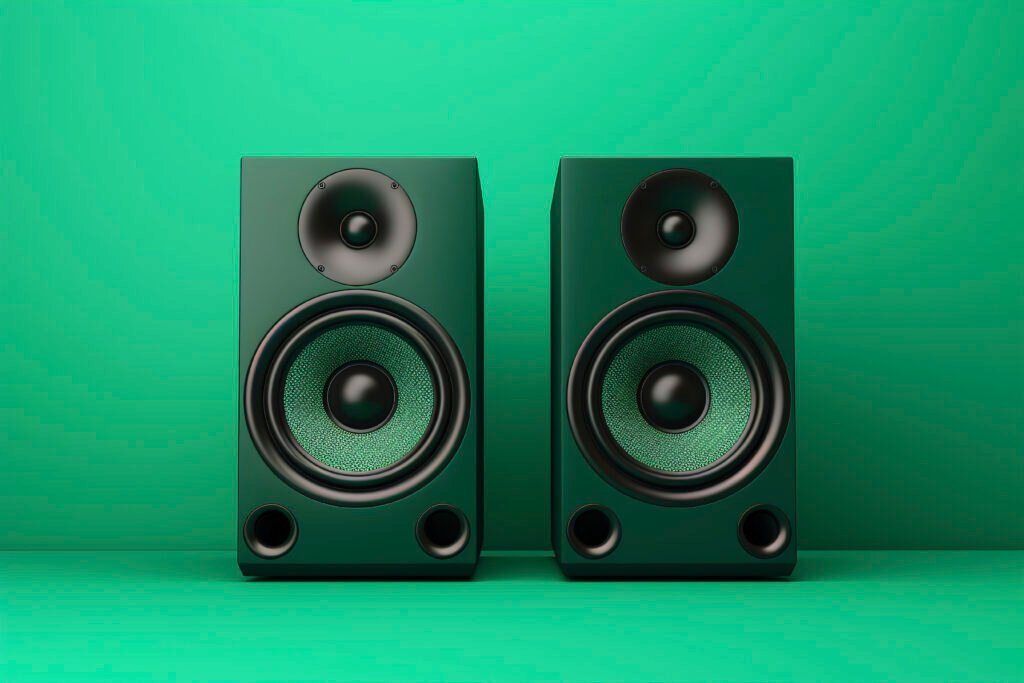
Whether you’re producing music, recording podcasts, or editing YouTube videos, studio monitors are essential for achieving clean, accurate sound. Unlike consumer speakers that boost certain frequencies (like bass), studio monitors give you a flat frequency response—meaning what you hear is what you actually recorded.
Here’s how to pick the right one for your space, your workflow, and your budget.
1. Room Size Matters: Match Monitor Size to Your Space
The size of your room plays a big role in choosing monitor size:
- Small rooms (under 150 sq. ft):
Go for 5-inch monitors like the:- JBL 305P MkII – Excellent clarity and soundstage
- Yamaha HS5 – Known for flat response and precision
- KRK Rokit 5 G4 – Great for electronic music and hip-hop
- Medium to large rooms:
Consider 6.5-inch to 8-inch models such as:- JBL 308P MkII – More bass extension and power
- Yamaha HS8 – Ideal for mixing low-end heavy tracks
- KRK Rokit 7 or 8 G4 – Versatile with onboard EQ
Tip: Bigger isn’t always better if your room isn’t acoustically treated.
2. Active vs. Passive Monitors: Go for Simplicity
Most home studio setups benefit from active monitors, which have built-in amplifiers — no need for a separate power amp.
- Active Monitors (Recommended):
- Plug and play
- Ideal for beginners and small setups
- Passive Monitors:
- Require a separate amplifier
- Used more in custom or legacy studio systems
All the monitors mentioned above (JBL, Yamaha, KRK) are active.
3. Frequency Response: Look for “Flat and Honest” Sound
A good studio monitor offers flat frequency response, so you can hear every detail clearly and make better mix decisions.
- JBL 305P MkII: Features JBL’s Image Control Waveguide for precise imaging
- Yamaha HS5: Exceptionally neutral, often preferred for critical mixing
- KRK Rokit G4 Series: Slightly warmer but includes DSP-powered EQ for room tuning
4. Placement & Room Acoustics: Don’t Skip This Step
No matter how great your monitors are, poor placement ruins the sound.
- Position them at ear level, in an equilateral triangle with your head.
- Keep them away from walls (especially rear-ported models like the KRK Rokit).
- Use isolation pads or monitor stands to reduce vibrations and reflections.
- Treat your room with foam panels or bass traps for better acoustics.
Final Thoughts: Let Your Ears Decide
Start with your room size and budget, then narrow down based on brand reputation and sound signature. While JBLis known for great imaging and depth, Yamaha excels in flatness, and KRK offers flexibility with onboard tuning.
The right studio monitor doesn’t just sound good — it helps you work better and create more confidently.